Top 5 Free Video Streaming Apps for the Fire TV Stick and Android Devices In the App Stores

By | September 18, 2026

Top Free Video Streaming Apps for the Fire TV Stick and Android Devices In the App Stores
The Fire TV Stick is a great option for watching free videos and TV shows with many free apps available.

There are many free options for streaming videos to the Fire TV Stick or any Android device.

While Kodi and APKs are very popular, there are also free apps located in the Amazon App Store and Google Play Store.

They have lots of content, including Live TV, Movies, TV Shows, Music, and more.
Top Free Video Streaming Apps for the Fire TV Stick and Android Devices In the App Stores Overview
They are very easy to install and start watching free movies and TV shows quickly as well as live TV such as news.

They also rarely buffer and are all one-click-to-play a video stream.

All of the apps below are ad-supported, which is how they stay free, but none of them require a credit card or a paid subscription to watch.

Below are the current best video apps for the Fire TV Stick or any Android device. If you have a favorite option, let us know in the comments below.

Top Free Video Streaming Apps for the Fire TV Stick and Android Devices 2026

  1. Tubi TV
  2. Top Free Video Streaming Apps for the Fire TV Stick and Android Devices In the App Stores Tubi TV
    Tubi TV Google Play Store Link

    Tubi TV has been available for a while and has steadily added more and more content.

    It is owned by Fox and has grown into the biggest free streaming service, with over 375,000 movies and TV episodes that can be played for free on-demand.
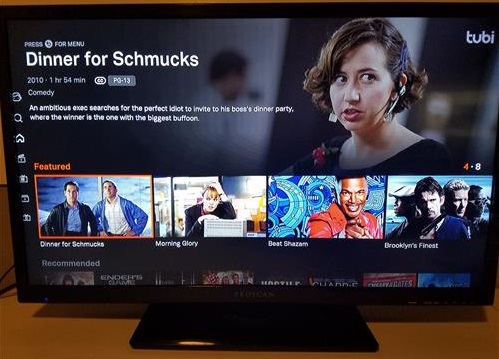
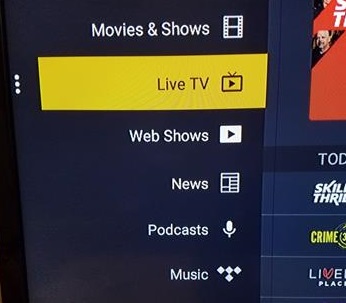
    New movies and TV shows are added every month, and there are also free Live TV channels including news and sports.
    Top Free Video Streaming Apps for the Fire TV Stick and Android Devices In the App Stores Tubi TV 2

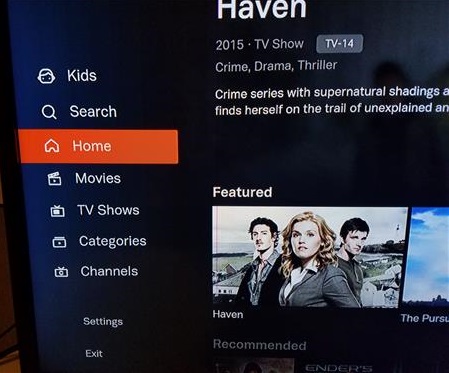
    The menu is easy to use with sections for Kids, Movies, TV shows, Live TV, and a category for all genres.
    Top Free Video Streaming Apps for the Fire TV Stick and Android Devices In the App Stores Tubi TV 3

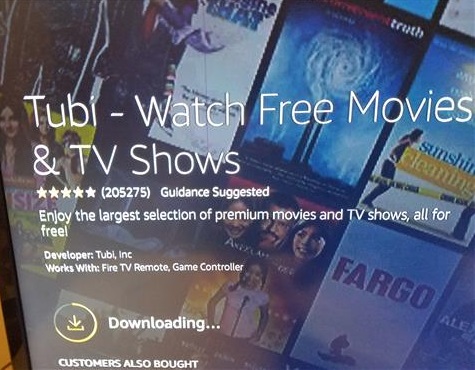
    To install on the Amazon Fire TV Stick simply search for it, download, and install it.
    Top Free Video Streaming Apps for the Fire TV Stick and Android Devices In the App Stores Tubi TV 7
    Android devices such as TV boxes and smartphones can download it from the Play Store.

  3. Pluto TV
  4. Top Free Video Streaming Apps for the Fire TV Stick and Android Devices In the App Stores Pluto TV
    Pluto TV Google Play Store Link

    Pluto TV is another good free option that has both live TV and video on demand.

    It is owned by Paramount and has a Live TV section with a TV guide of over 250 channels, as well as a Movie and TV shows on-demand section.
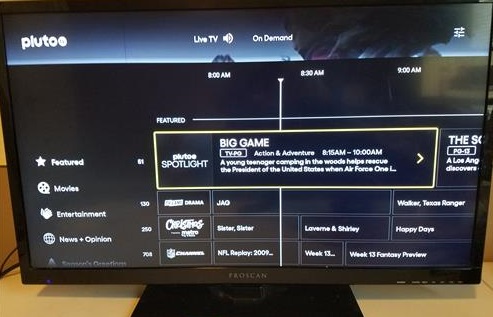
    Many of the live channels are built around a single show, such as Star Trek, CSI, or Survivor, that plays 24/7.

    The on-demand section has many many movies and TV shows.
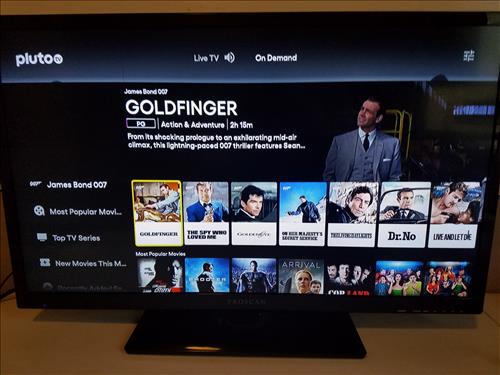
    Top Free Video Streaming Apps for the Fire TV Stick and Android Devices In the App Stores Pluto TV On Demand

    No sign-up or account is needed, and it is easy to install from the Amazon App Store or Google Play Store.
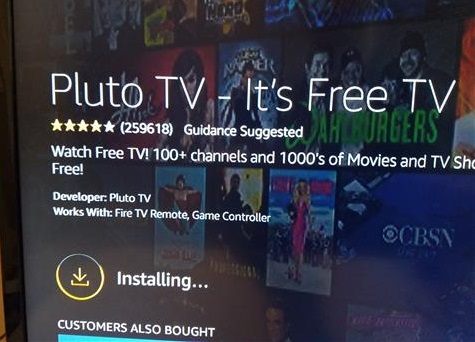
    Top Free Video Streaming Apps for the Fire TV Stick and Android Devices In the App Stores Install

  5. Roku Channel
  6. Top Free Video Streaming Apps for the Fire TV Stick and Android Devices In the App Stores Roku Channel
    Roku Channel Google Play Store Link

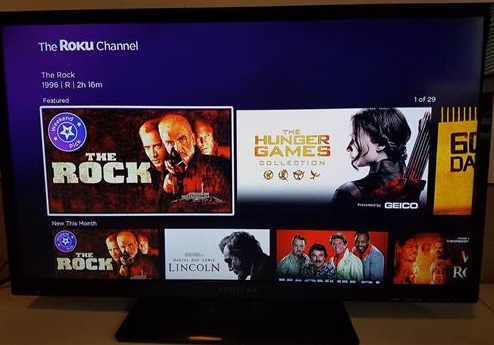
    The Roku Channel has many videos available to stream for free.

    It has many categories and sections for free Movies and TV shows, along with a Live TV guide with hundreds of free channels.
    Top Free Video Streaming Apps for the Fire TV Stick and Android Devices In the App Stores Roku Channel 2
    While much of the content is free they also have added Premium Subscriptions for services such as Starz and Paramount+ if wanted.

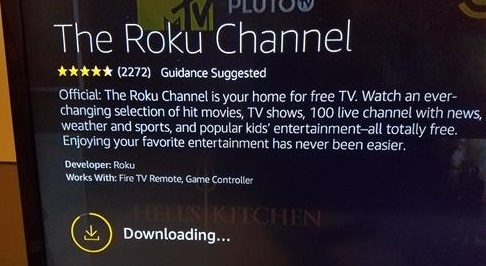
    You do not need a Roku device to use it. The Roku Channel is available in the Amazon App Store or Google Play Store.
    Roku Channel Google Play Store Link

  7. Plex
  8. Top Free Video Streaming Apps for the Fire TV Stick and Android Devices In the App Stores Plex
    Plex Google Play Store Link

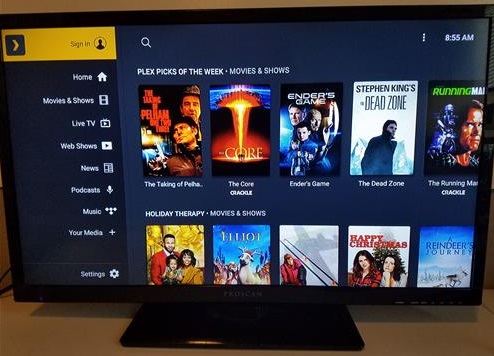
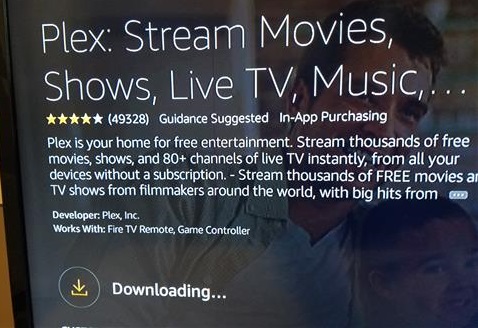
    Plex is mainly known for being a media center but has also added a lot of video content.

    They have added in many movies and TV shows that can be streamed on-demand for free.
    Top Free Video Streaming Apps for the Fire TV Stick and Android Devices In the App Stores Plex Overview
    They also have free Live TV with over 600 channels, which is now as big as the Roku Channel.

    A free Plex account is needed to watch, but a paid Plex Pass is not needed for any of the free movies, TV shows, or live channels. Plex Pass is only for extra features when streaming your own media from a Plex server, and you do not need to set up a server to use the free content.

    Install it from the Amazon App Store or Google Play Store.
    Top Free Video Streaming Apps for the Fire TV Stick and Android Devices In the App Stores Plex Overview 7

    Plex Google Play Store Link

  9. Fawesome

  10. Fawesome Google Play Store Link

    Fawesome is a free movie and TV show app located in the Amazon App Store and Google Play Store.

    It is run by Future Today and has a large library of over 10,000 movies and TV shows, including titles from studios such as Paramount and Lionsgate, with new content added every week.

    There is also a free Live TV section with hundreds of channels, including sports, news, weather, cooking, and lifestyle programming.

    No sign-up or login is needed, and the menu is broken down by genre with sections for Action, Comedy, Drama, Horror, Westerns, Kids, and many more.

    To install on the Amazon Fire TV Stick simply search for it, download, and install it.
    Other Android devices such as TV boxes and smartphones can download it from the Play Store.


6 thoughts on “Top 5 Free Video Streaming Apps for the Fire TV Stick and Android Devices In the App Stores”

  1. IggyG

    The bulk of these apps are great but feature a lot of repetition. Airy TV WAS a great app once upon a time but it’s de-evolved into a mere shell of its former self. There’s not much choice left.

    Reply ↓
        1. Wireless

          Fawesome looks like a solid choice; I added it to the #5 spot. Thanks for the input.

          Reply ↓

Leave a Reply

Your email address will not be published. Required fields are marked *