Jet TV Guide is an addon located in the Magnetic Repository with many sections.

The main menu has options for EPG, Sporting Events, Sporting Stats, Settings, Search Channel Programs, Favorites, Record MPV and Exit.
If a selection from the guide menu is clicked on to play, Jet TV Guide uses the mad Titian Sports addon to scrape links and stream it.
This addon is currently listed as being in Beta, but many sections seem to be working.
*WirelesSHack.org has No affiliation with Kodi, any Addons, Repos, or Builds. WirelesSHack.org is a news and informational site which does not support or condone copyright infringement. Kodi should only be used with content that is bought and owned personally or is in the public domain.
Jet TV Guide Kodi Addon Location and Info
- Addon Name: Jet TV Guide
- Repository Name: Magnetic Repository
- Repo URL: https://magnetic.website/repo/
- Kodi Version Compatibility: 20 Nexus and 21 Omega
How To Install Jet TV Guide Kodi Addon
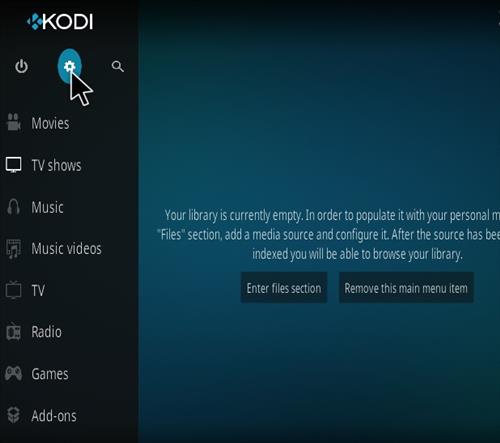
- At the top left click the System Settings (Gear Icon)
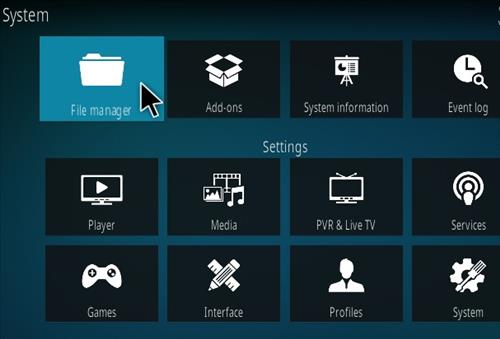
- Click File Manager
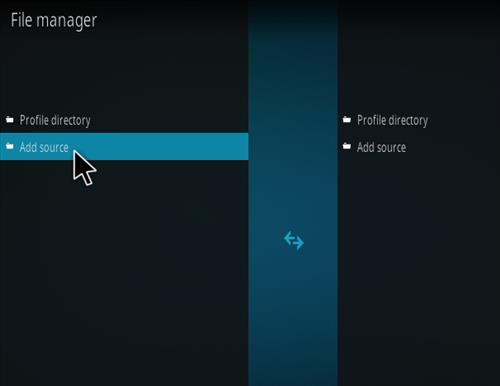
- On the left click Add Source
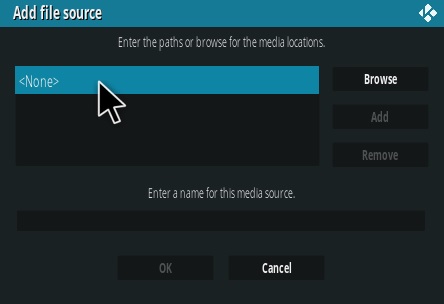
- Click where it says NONE
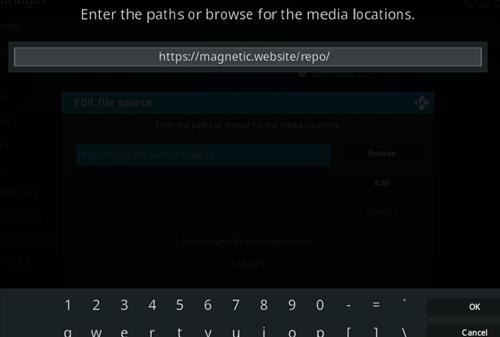
- Type in the URL: https://magnetic.website/repo/ and click OK
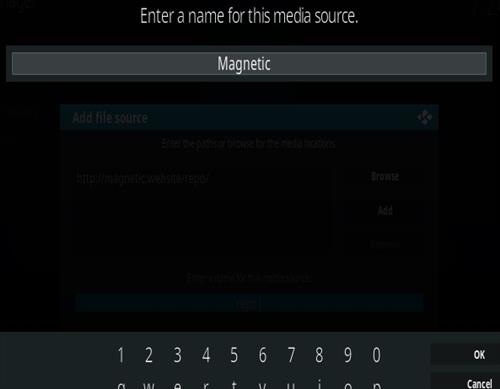
- In the next box down name it Magnetic and click OK
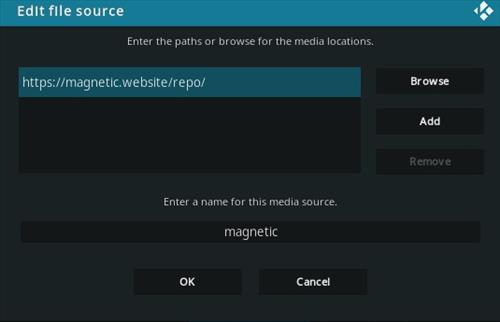
- Double check everything is correct and click OK
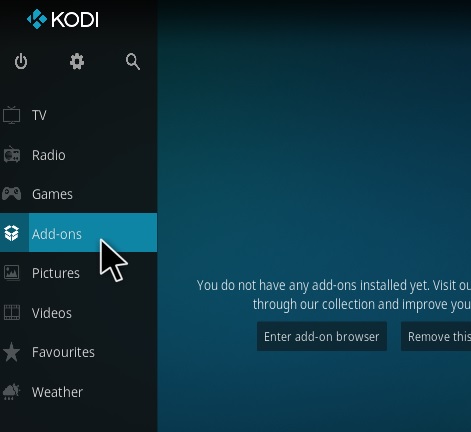
- Go back to the main menu and click Add-ons
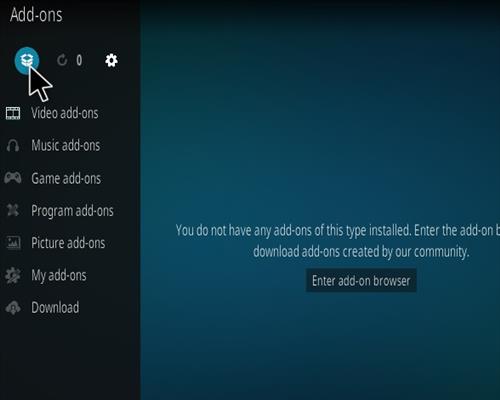
- Click the Add-on Package Installer Icon at the top left
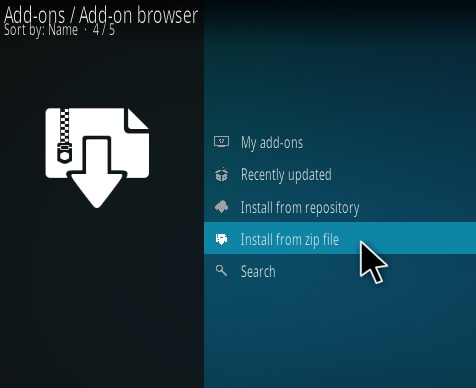
- Click Install from zip file
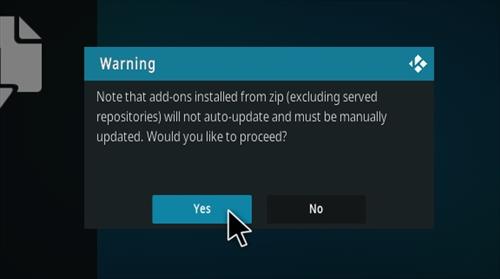
- Click Yes on the Warning popup and if not already be sure Unknown Sources is enabled
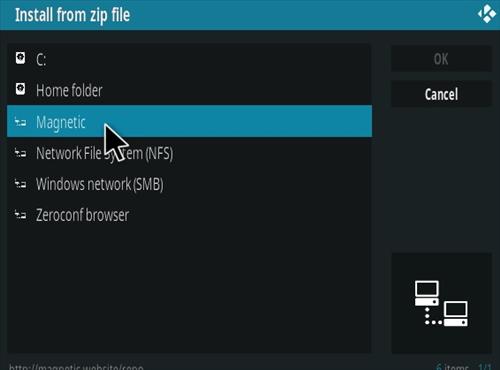
- A box will pop open select Magnetic
- Click repository.magnetic-1.1.0b.zip (If there is a newer version install it)
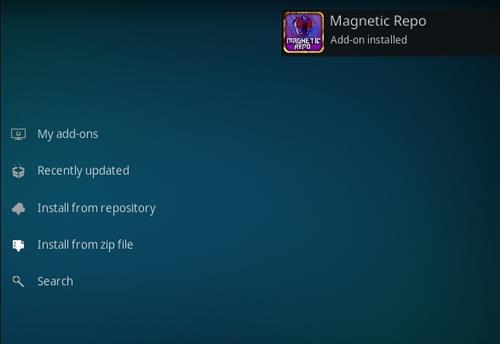
- Wait for the Repository to download and popup at the top right and say Repository Installed
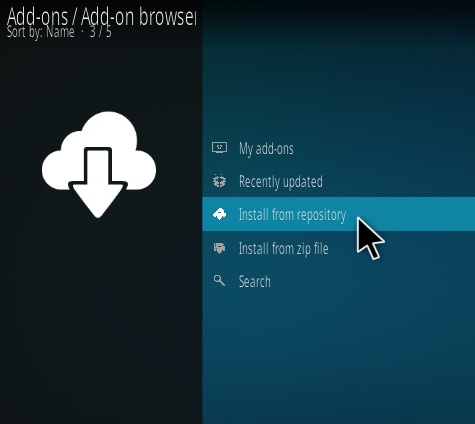
- Click Install from repository
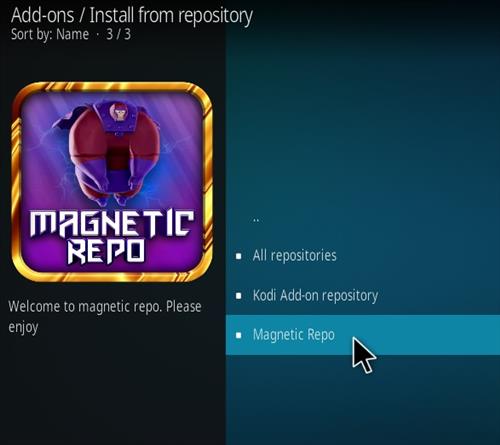
- Click Magnetic Repo
- Video Add-ons
- Select TV Guide – Beta
- Click Install